You can easily print/save our recipes* and here's how!
*Not all recipes have the print feature built into the recipe box. If not, use these instructions instead.
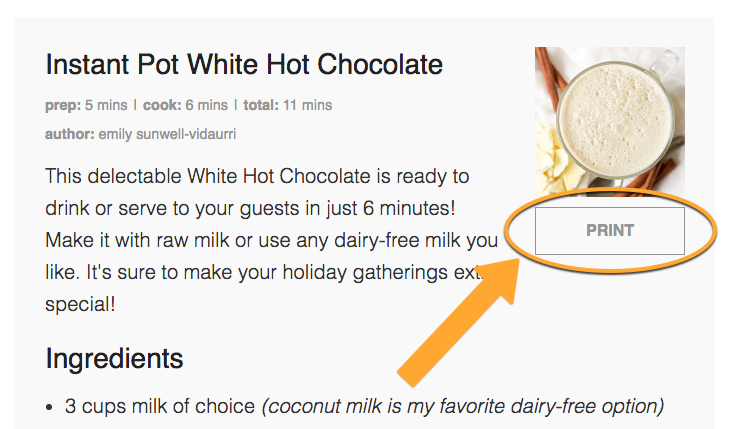
1. When you're at TraditionalCookingSchool.com, scroll to the recipe box within the post/article and click the "Print" button that looks like this:
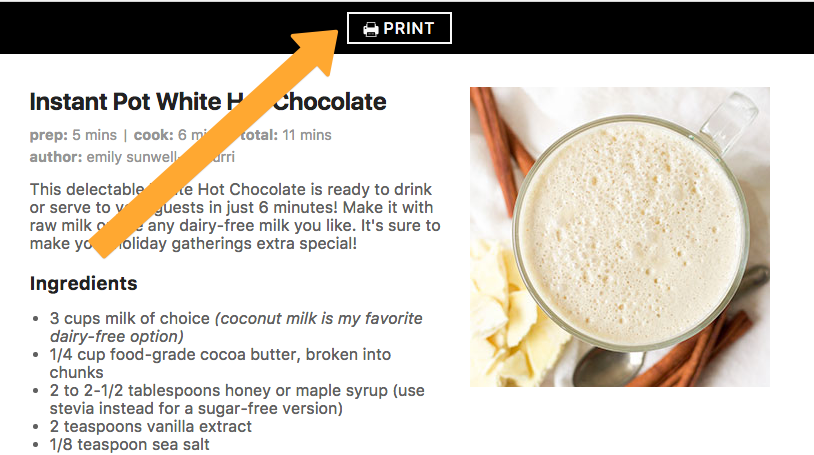
2. A new tab/window will open that displays only the recipe (not the rest of the blog post or extra images). Click "Print" to send this to your printer.
3. You will now be able to print using your own computer/printer. Due to many possible configurations on printing, we are unable to give particular instructions other than to print as you usually do from this point. :)
4. If you prefer to print the entire blog article with recipe, not just the recipe only, use these instructions instead.
If you have additional questions, please use the form on this page to contact us so we can help you out!
Was this article helpful?
That’s Great!
Thank you for your feedback
Sorry! We couldn't be helpful
Thank you for your feedback
Feedback sent
We appreciate your effort and will try to fix the article